How to Clear the Website Cache in cPanel?
You happily created a website and hosted it through your hosting partner. You were sure your website would work flawlessly and offer your audience an awesome user experience.
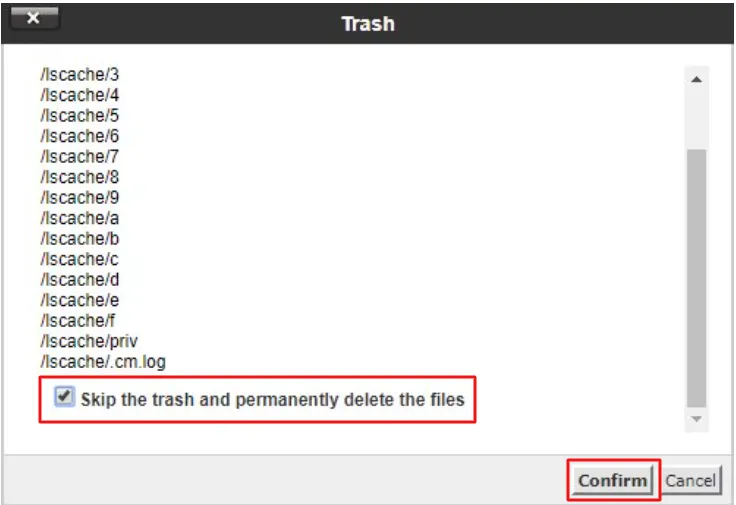
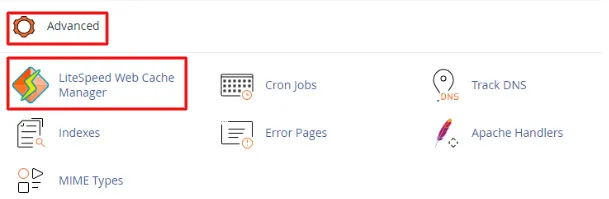
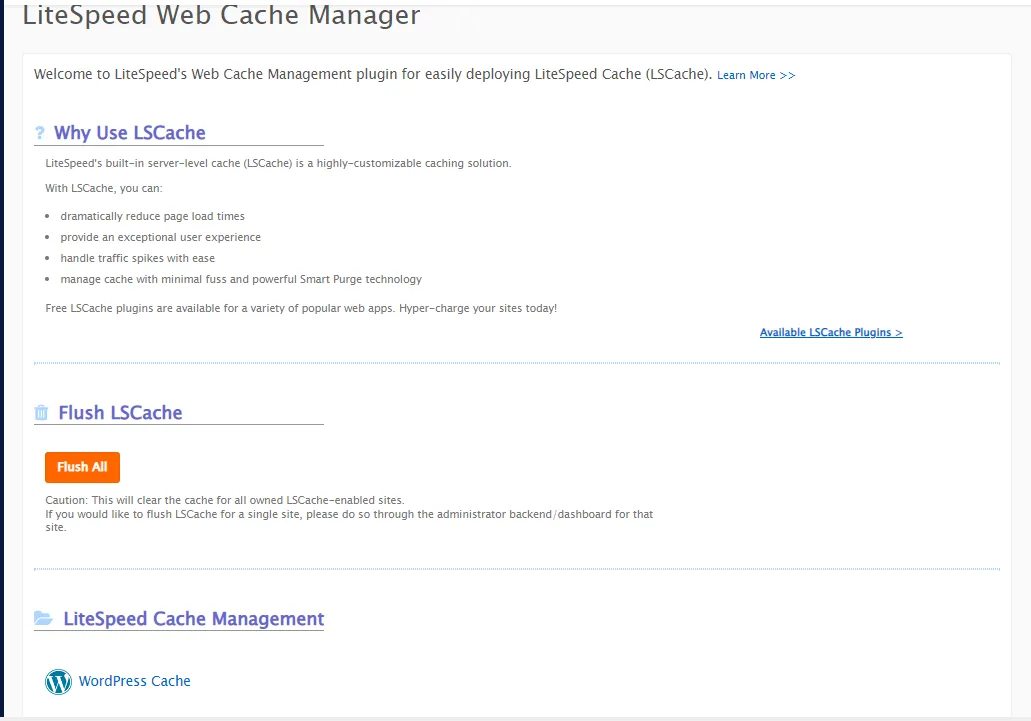
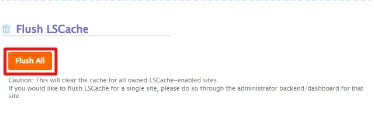
A few months down the line, the scenario has changed. Your website experiences a few glitches and starts lagging when accessed. It is here that you must take action and clear the cache in cPanel.
Understanding Caching
The purpose of caching is to allow users to access files more quickly by storing the content in a cache or temporary storage. A cache can be any temporary storage device or location that stores content.
★ Browsers use caches to load websites faster by storing (caching) HTML files, JavaScript, and images.
★ A CDN server caches content and DNS records to reduce latency.
★ DNS servers cache DNS records for faster lookups.
User-visited content is temporarily stored in caches on the Internet for a better user experience.